Working with masked images (ignoring parts of the image) # 1.1.4
Added in version 2.0.0.
This tutorial demonstrates how you can ignore parts of images, that might vary in different scenarios (background, inner parts of GUI elements, …) in the search process of SikuliX.
We call it Masking of Images.
It comes in 3 different flavors (see Pattern):
using images with 100% transparent parts (
auto-masked)
- saying, that the black parts of an image should be ignored (
black-masked)
Pattern(imageWithBlackParts).mask()
- using an auto-masked or black-masked image as the mask (
image-masked)
Pattern(someImage).mask(imageWithBlackParts)
This image must be visible on the screen, when running the example.
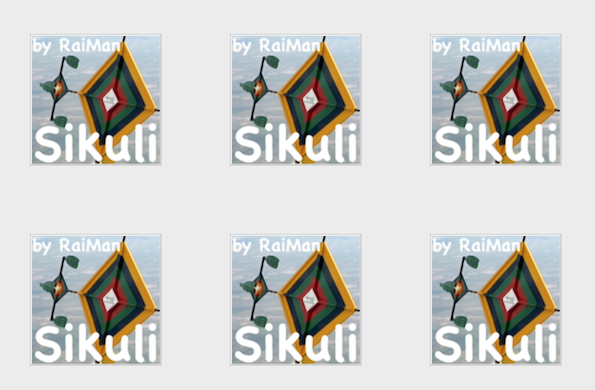
… and this is the output you should get principally:
##### searching for: (shot.png) original image
    found: 6 matches score max/min: 0.9971 / 0.9971
##### searching for: (shotTransparent.png) transparency (auto-masked)
    found: 6 matches score max/min: 0.9907 / 0.9900
##### searching for: (P(shotBlack.png) S: 0.7 masked) black parts as mask (black-masked
    found: 6 matches score max/min: 0.9985 / 0.9983
##### searching for: (P(shot.png) S: 0.7 masked) masked with other image (image-masked)
    found: 6 matches score max/min: 0.9985 / 0.9983
